

Key Points
-
Most dating apps like Bumble and Tinder have a photo verification system.
-
Bypassing the dating app photo verification process is not possible.
-
For apps or websites lacking an established verification process, follow three steps to ensure your profile gets perceived as a legitimate account.
-
Faking dating app photo verification, while frowned upon, is feasible by following a complex system.
Though it seems cliche, the expression "a picture is worth a thousand words" still rings true. This is especially relevant in dating apps, where profile pictures make or break the entire experience. That's why the dating app photo verification process is so important. Users want to see you depict yourself in engaging, authentic ways. The photos you share either contribute to or detract from this goal.
Those photos, however enticing, are useless if you fail the dating app photo verification process. As more fake profiles surface, more apps and websites require their users to confirm their identity through some verification process. This article discusses how photos become verified and provides tips for those wanting to trick the photo verification system.
How Dating Apps Verify Profiles
The verification process on dating apps varies from one to another. Despite this, there are a few similarities between them. All dating apps requiring photo verification ask users to pose a certain way. The app snaps the picture or video, sends it to the verification team, and waits for their response.
Snapping the photo or recording the video takes seconds. Once verified, you usually earn a badge or icon indicating that you're one of the users who chose to go through the verification process. This makes it easier for prospective matches to recognize that you're a real person. The photo(s) you use in your verification process never gets added to your bio.
Is It Possible To Bypass the Verification Process?
Bypassing Bumble or Tinder's photo verification isn't possible. According to technology writer Darlene Antonelli, the reasoning is simple: "Photo verification exists so you can't catfish or trick other users into thinking you're someone else."
If prompted to verify your profile, you must comply. Bumble asks you to take selfies in specific poses. Those poses then get cross-referenced with the pictures in your profile. Tinder asks you to upload a selfie video. Failure to verify may lead to canceling your account on either platform.
However, there are ways to fake your verification photo — learn more about this later in the article.
How To Verify an Account
Users do not have the power to verify their own accounts. The app's verification team does this. Despite this, it's easy to tell when a profile has passed the verification process. As mentioned, you earn a badge or icon attributed to your account once verified. The badge or icon gets added to your entire profile — not just one photo or video. It's the easiest way to tell if a profile underwent verification.
There are also specific steps when using a dating app that encourages photo or video verification. Read on to learn the differences between Bumble and Tinder, two marquee dating apps.
Bumble Verification
Bumble does not require all users to verify themselves (unless their account is flagged), but the option still exists. Verifying improves your chances of landing a quality match and minimizes instances of other users perceiving you as a catfish (someone who intentionally misleads prospective dates with deceptive pictures).
Bumble rolled out its photo verification feature to keep users happy and safe. To verify your profile, click "Edit profile" under settings, then click "Verify your account." From there, the app prompts you to take a selfie using one of hundreds of random poses.
Mimic it, then take a picture. The photo goes through a review by a member of Bumble's moderation team. You receive a message confirming or rejecting your verification attempt within a few minutes. Photos get rejected if you fail to strike the required pose or because of low quality (poor resolution, bad lighting).
If rejected, don't worry — you can attempt the process again until you're verified. There is no limit to the number of attempts you have to obtain verification.
On the other hand, users with fake profiles who fail the verification process lose access to their profile as the moderation team turns it off. That means they're no longer allowed on Bumble and users won't see their profile. All it takes is one instance: Bumble has a zero-tolerance policy for fraudulent accounts.
Connecting with someone in real life who looks nothing like their photos is disheartening. Bumble now allows users to request photo verification from potential dates to avoid this.
To request photo verification, click the blue link asking for photo verification, located within the chat box. The other person receives your request shortly after. You receive a notification about whether or not they chose to verify. If they did, great! Continue getting to know them. If they choose not to verify, it's up to you whether you want to end the interaction.
Note: You cannot request photo verification without first verifying yourself. You must complete the verification process with an approved picture to request it.
Tinder Verification
Like Bumble, the verification process aims to establish that your profile is real. Verified profiles have a blue badge next to the user's name.
When the feature first launched, it was only available to prominent individuals like athletes, celebrities, and other public figures. To get verified, you had to email Tinder's verification team explaining why you deserved to receive the icon. As catfishing and creating fake profiles rose, the company expanded its photo verification process.
Tinder now offers a verification process for all users wanting to alleviate concerns about authenticity. Unlike Bumble, users submit a quick video selfie responding to a prompt.
That video is compared to your profile photos. A team of real people, combined with stellar facial recognition technology, compare the facial geometry in the video to your photos.
To get verified on Tinder, open the app and tap the profile icon. Click the gray checkmark under your name. Once "Get verified" pops up, click continue. Tinder asks you to grant the app camera access (if you haven't already done so).
Frame your face in the oval created just for that, then select "I'm ready." From there, follow the on-screen prompts to record and submit the video. The app lets you know if your request becomes approved or denied in minutes. You can reattempt the entire process if your initial request gets denied. There is no limit to the number of times you can reattempt verification.
What if There's No Verification Process?
While far from typical, some dating apps don't have any formal verification process. In these instances, worrying about how this impacts potential matches is okay. Fortunately, there are countless tips to ensure users know you're a real person with an online presence.
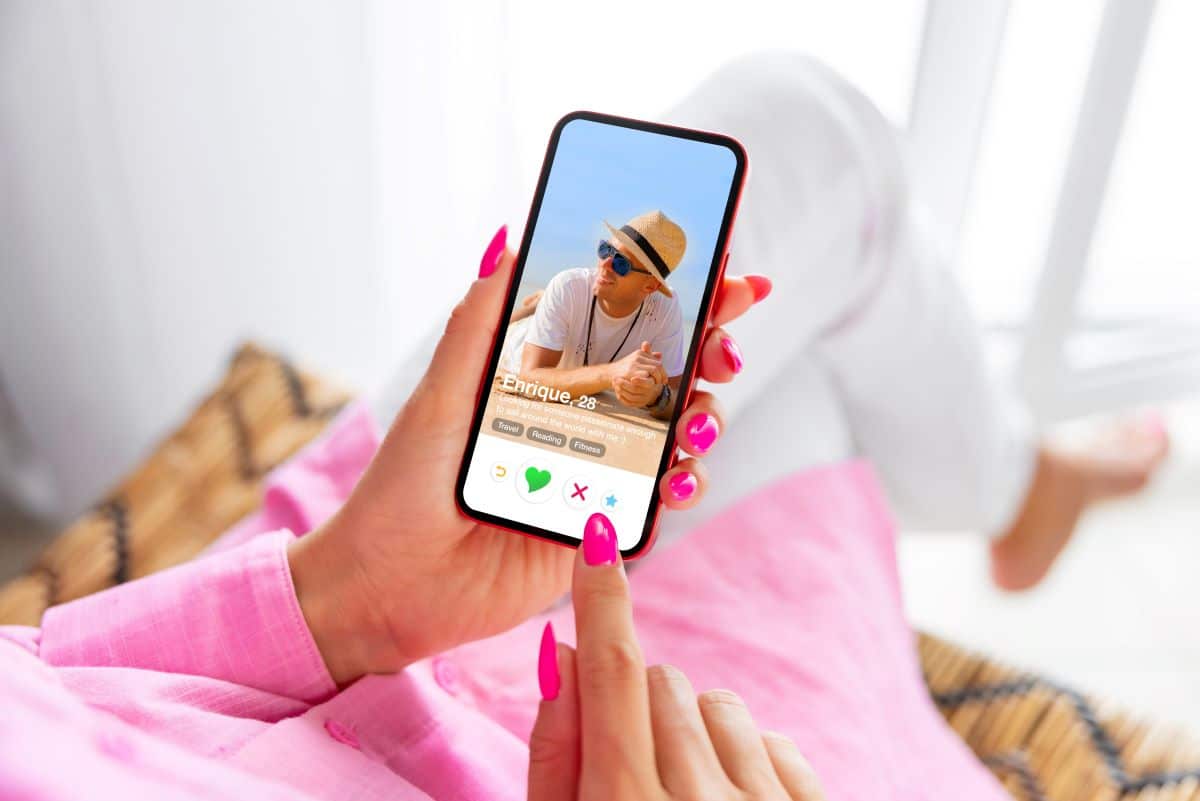
Always Add a Profile Picture
Profiles without photos look suspicious regardless of the platform you use. When it comes to dating, that suspicion dramatically increases. Users want to know what you look like before deciding to swipe right.
Lacking a photo usually means you don't want others to see what you look like, effectively shutting down dates before they even surface. Don't be this type of person. Use high-resolution pictures from various angles to show matches what you look like. Avoid group photos, and post more than selfies.
Have an In-Depth Bio
When your profile lacks specific details about you, it seems like an online bot put it together. In other words, the account appears fake. The more fleshed out your profile, the more legitimate it looks.
Include details about your interests and personality. Be as descriptive as possible, and include a section about what you want in a relationship. This saves you time, as people who like or swipe right on your profile know your preferences.
Use Video Chats
Video chats are a great way to have quality conversations in real-time. They're digital but carry an air of sophistication that messaging lacks. You're on the spot, so bring your best self.

Additionally, it's tough to fake your identity over a video call. After using a video chat, matches walk away with a clearer idea of your identity. Don't utilize this feature until you're comfortable.
Faking Your Verification Photo
Some people just aren't photogenic. Others are but don't know how to photograph themselves optimally. These instances may lead you to fake your profile photo, all trying to appear captivating and exciting. Regardless of your rationale, the below-mentioned strategies aid users interested in faking a verification photo.
Step 1: Install and Launch CrazyTalk
CrazyTalk is an online 3D animator used to improve photos or videos. Create a cartoon photo, use a real one, or upload a video you want to enhance. A free version is available, but it doesn't provide you with all the tools and features needed to bolster your verification picture.
Head over to their website, then download the tool.
Step 2: Open a Picture
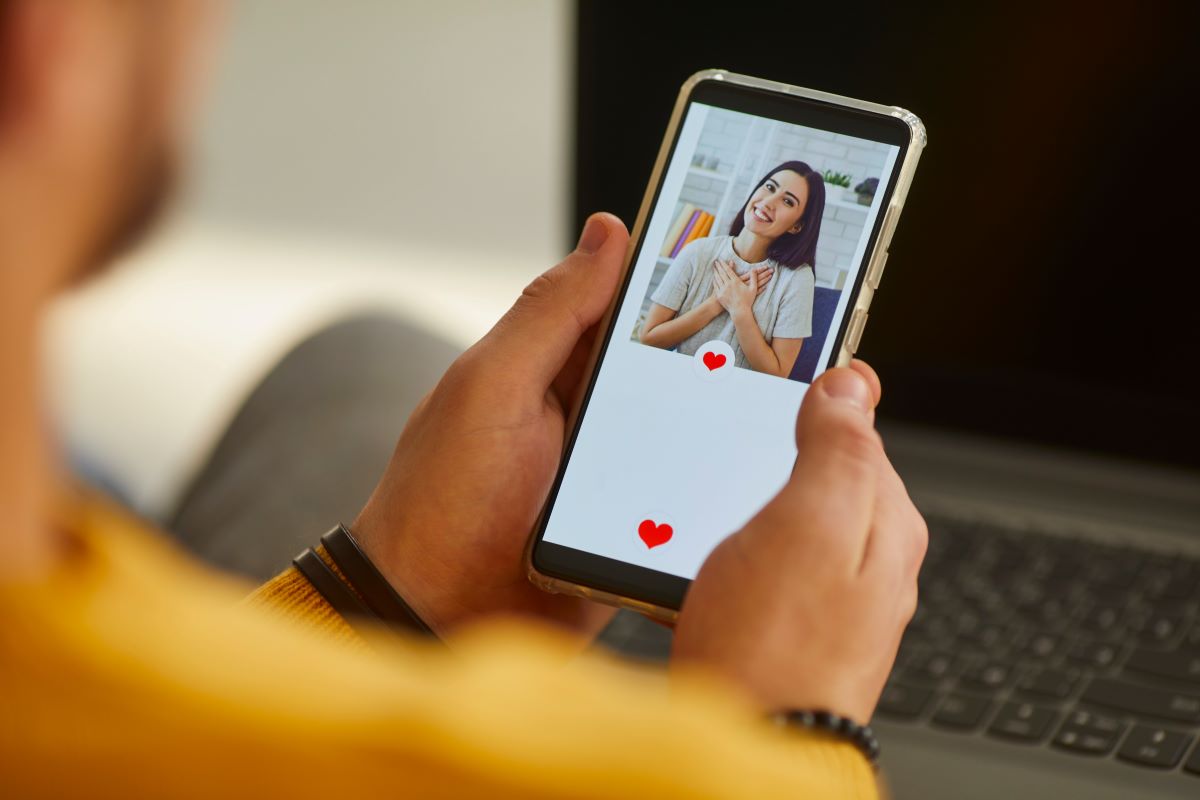
Driver's license or state ID pictures work well, as they're already in portrait mode. However, they aren't your only options. Any high-quality portrait orientation photo works, so long as the resolution is high as well.
The photo you select must be scanned so you can upload it to CrazyTalk. From there, the software improves the picture's overall quality through face fitting and face lifting.
Step 3: Install and Launch ManyCam
ManyCam is a live video tool. It turns your web camera into a custom video creator, which helps verify your video. Take the video you've created and add it to ManyCam's software.
You don't have to use this step with every app requiring verification. This is most useful with Tinder, as the verification process requires you to upload a video.
Step 4: Verify Your Photo or Video
Head over to the photo verification page for the app or website you're interested in using. When the verification window pops up requesting camera access, ManyCam takes the place of your webcam, highlighting the photo you've chosen or playing the video you added for the verification process.
If you've done everything correctly, the photo registers as your actual photo for the dating apps requiring a picture. When used for Tinder, the moving video becomes the official video you submit to the verification team.
Congratulations! You've officially faked your verification photo.
If these steps seem ambiguous or hard to follow, find tutorials online that offer more in-depth directions on how to fake your verification picture.
Note: Users who upload fake photos and get caught receive an immediate ban from Bumble or Tinder. The ban is indefinite.
Find What Works for You
When it comes to dating app profile photos, a picture is worth a thousand words. The pictures you put on your profile make or break your entire experience on that app or website.
By now, you have a solid understanding of a few dating apps with verification processes, how to get verified, and how to fake a verification photo.
Want to preserve your integrity and upload genuine photos? Learn more about the art of the selfie and improve your selfie game.
Subscribe to CupidsLight, a website focused on helping you improve the quality of your relationships, intimate or not.